Preference settings
In Preferences, you can manage your settings for notifications, meeting, chat, theme, and security.
Windows and macOS
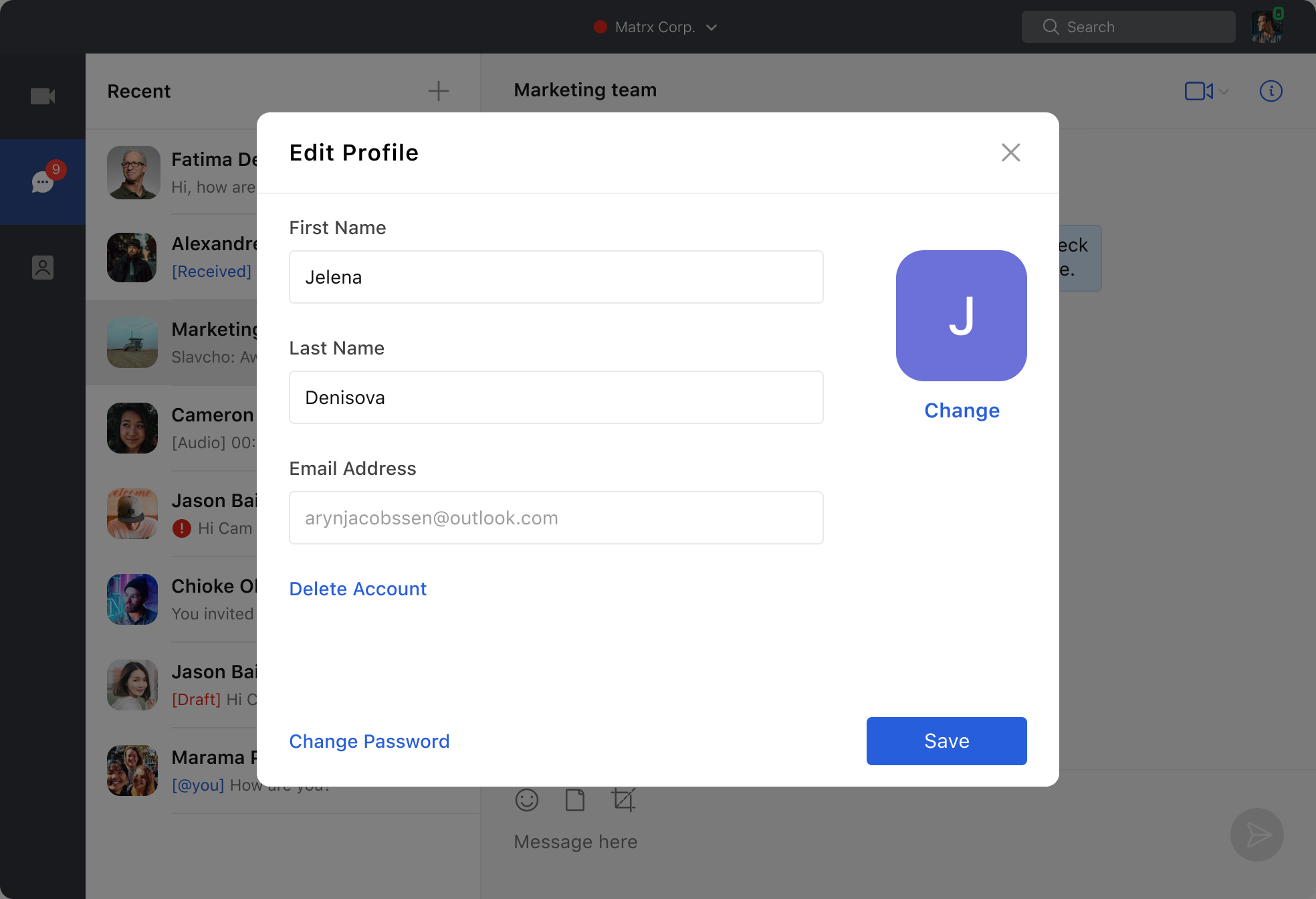
Click the profile photo at the upper right corner to open the account settings list and then select Preferences to set up.
Notifications
In Notifications, you can toggle on/off notifications for direct messages and channels.
Meeting
In Meeting, you can manage the audio and video settings for joining meetings and also scheduling authorization.
- To make your microphone remain turned on/off whenever joining a meeting, check/uncheck Don't Connect To Audio.
- To make your microphone remain turned on/off whenever joining a meeting, check/uncheck Turn Off My Video.
- Click Add to authorize your contacts to manage meetings on your behalf. You can also view or remove people who have assigned you the scheduling privileges.
Security
In Security, you can click the Two-Factor Authentication button to enable Two-Factor Authentication at Matrx web portal.
For more details about Two-Factor Authentication, please check .
Chat
In Chat, you can choose the location for saving to-be-downloaded files and also can set shortcuts for Screen Capture.
Android and iOS
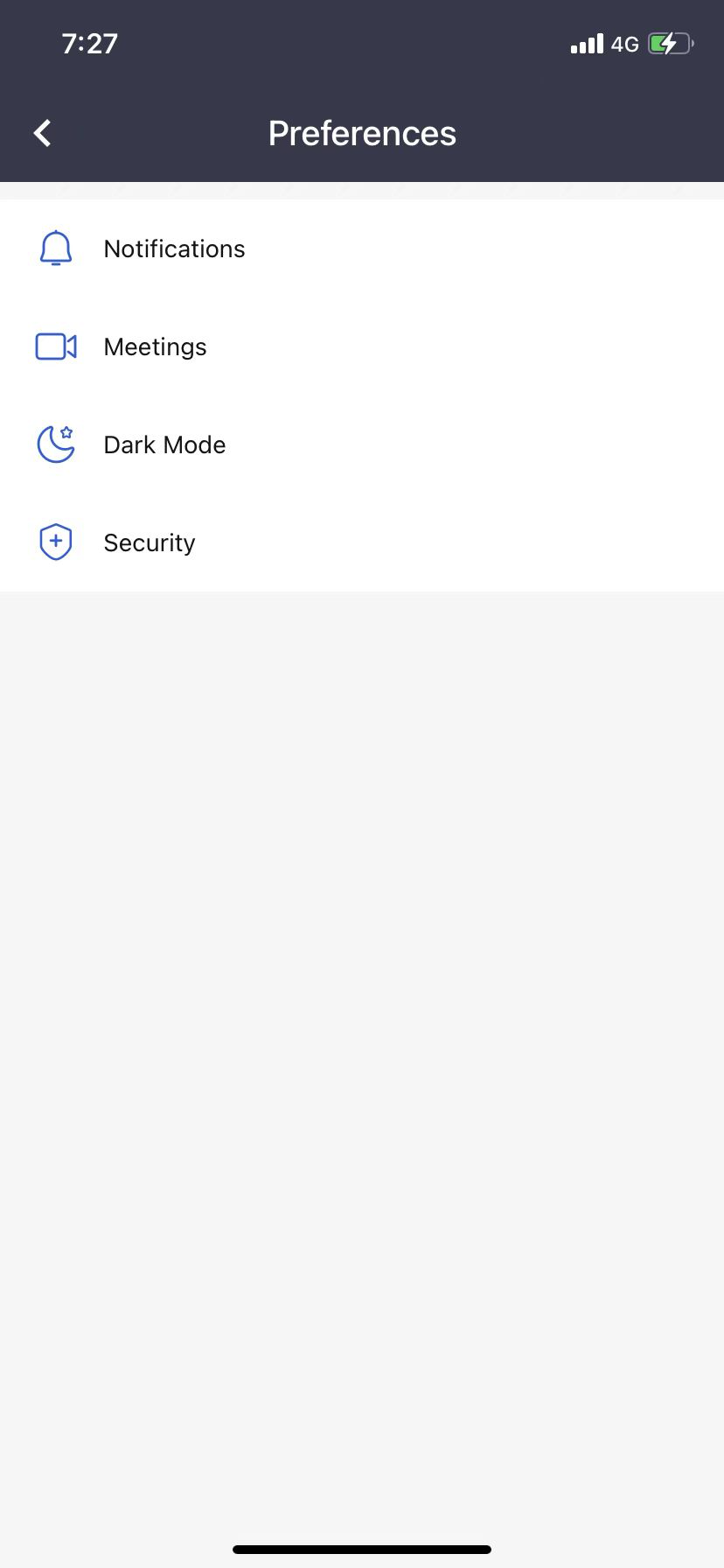
Go to Settings and tap Preferences.
Notifications
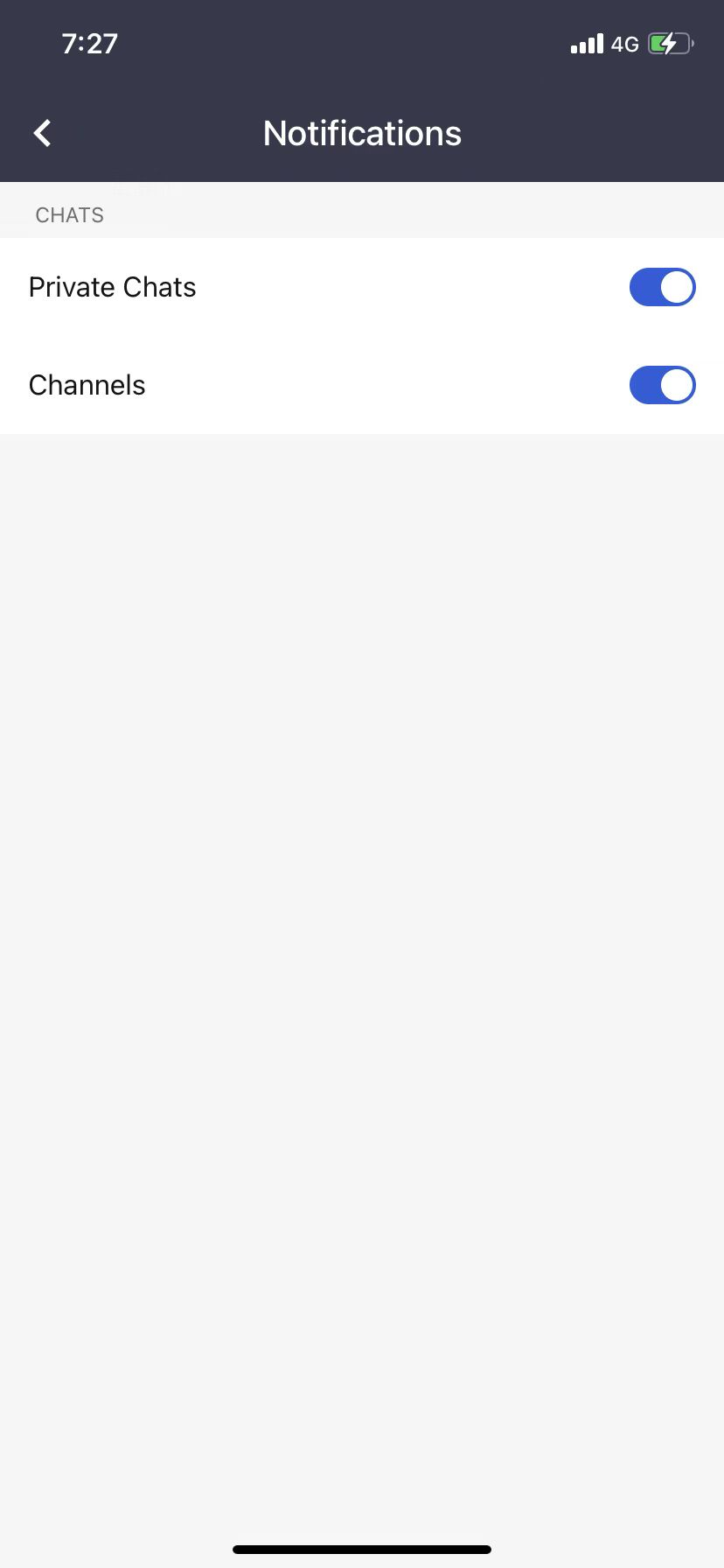
In Notifications, you can toggle on/off notifications for direct messages and channels.
Meetings
In meetings, you can manage the audio and video settings for joining meetings and also scheduling authorization.
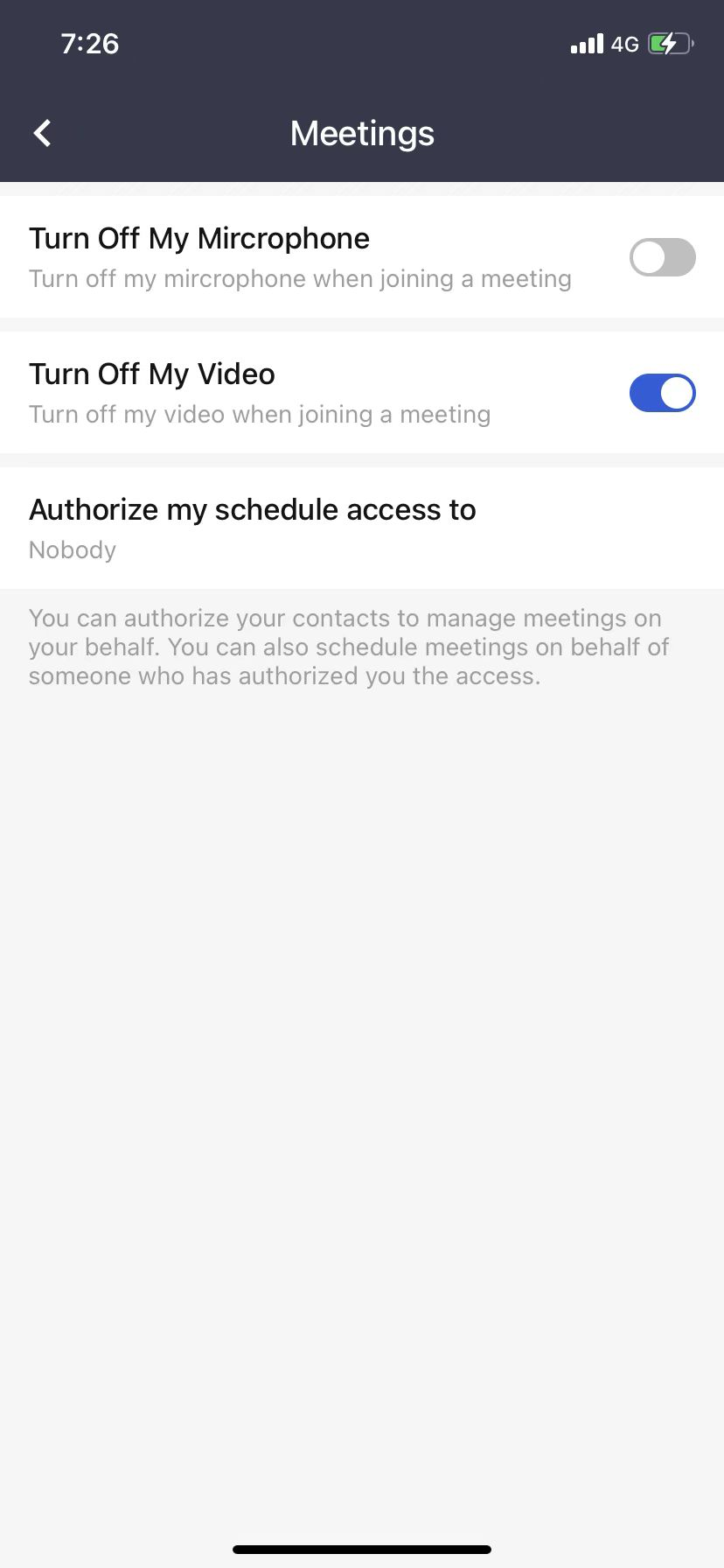
- To make your microphone remain turned on/off whenever joining a meeting, toggle on/off Turn Off My Microphone.
- To make your microphone remain turned on/off whenever joining a meeting, toggle on/off Turn Off My Video.
- Tap "Authorize my schedule access to" to authorize your contacts to manage meetings on your behalf.
Dark Mode
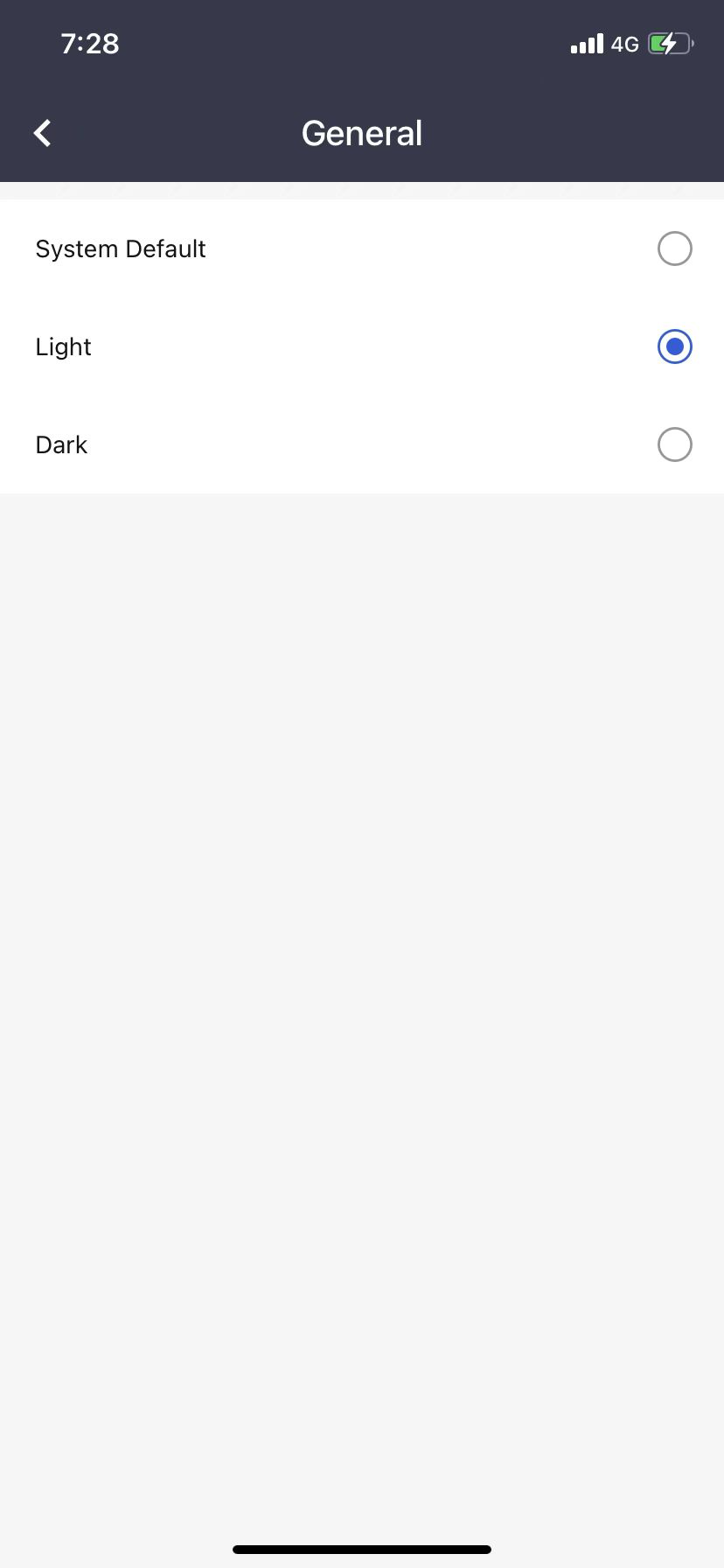
In Dark Mode settings, you change the theme of your Matrx by choosing between light and dark.
App Lock
To make your Matrx more secure, you can enable App Lock to lock your Matrx when you are not on it and unlock it with your fingerprint or face ID.
For more details about App Lock, please check .